For your building
Doors, docks, lots and after-hours activity.
Cover entrances, parking, loading docks and work areas, and get alerts when no one is on site.

Commercial video surveillance · Alarm.com platform
Cloud-managed cameras with video analytics, 24/7 recording options and live viewing from your phone or browser, designed, installed and supported by TBM.
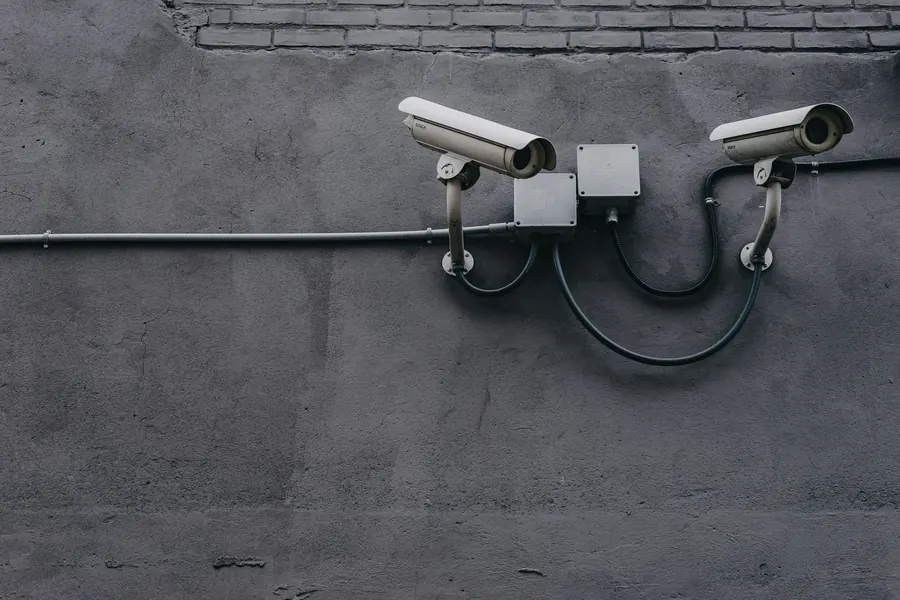
For your building
Cover entrances, parking, loading docks and work areas, and get alerts when no one is on site.
For multi-site operators
Alarm.com’s Enterprise dashboard manages many business locations from one account.
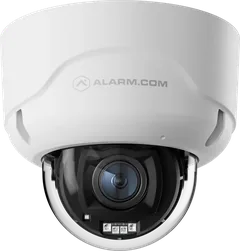 Cameras & recordersPrism Series cameras, floodlight camera and recorders, plus event clips vs. 24/7 recording.Explore →
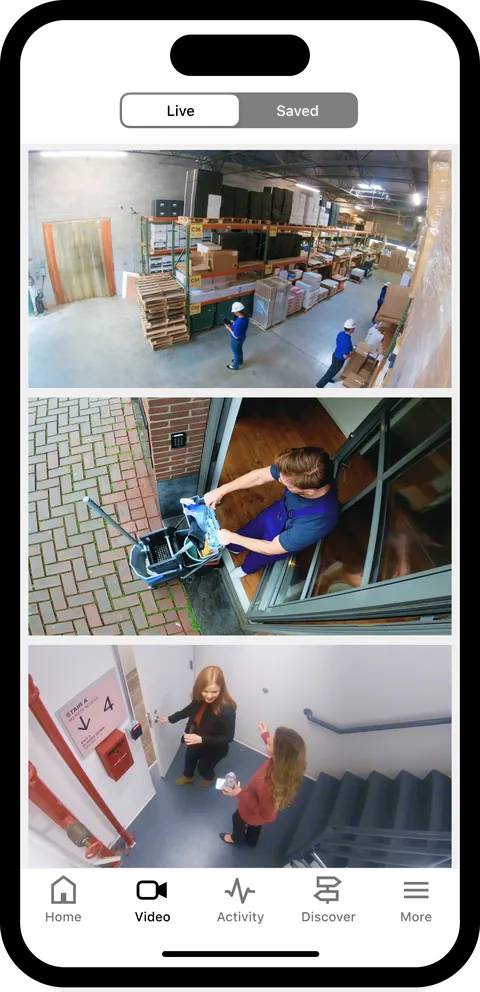 App & analyticsLive video walls, saved clips, AI search and Business Activity Analytics.Explore →
 Verification & monitoringLet the monitoring station see what’s happening before it dispatches.Explore →
One platform
TBM uses Alarm.com for video, access control, intrusion and fire, so an event in one system can be checked against video from another.

Quick answers
Yes. With a compatible camera, an internet connection and an Alarm.com video service plan, you can see live video, saved clips and 24/7 recordings in the Alarm.com app or on the customer website.
Often, yes. Cameras that support ONVIF or Axis VAPIX can connect through the Alarm.com Pro Series Commercial SVR with a compatible service package. We’ll check your models during the site walk.
Only if you choose 24/7 recording, on the camera’s microSD card or a Stream Video Recorder. Otherwise the system saves event clips when your rules are triggered. Compare recording options.
Camera placement and recording should follow your site’s privacy rules. Tell us about them and we’ll plan around them during design.
Let’s plan your coverage
Commercial fire and security since 1979. CSLB #711543 (B, C-10).